Gitsu keeps no copy of your issues. Your issues, labels, milestones and GitHub Projects boards stay in your GitHub account, and every change you make in Gitsu is sent to GitHub through its API. GitHub remains the system of record; Gitsu is a faster way to work in it.
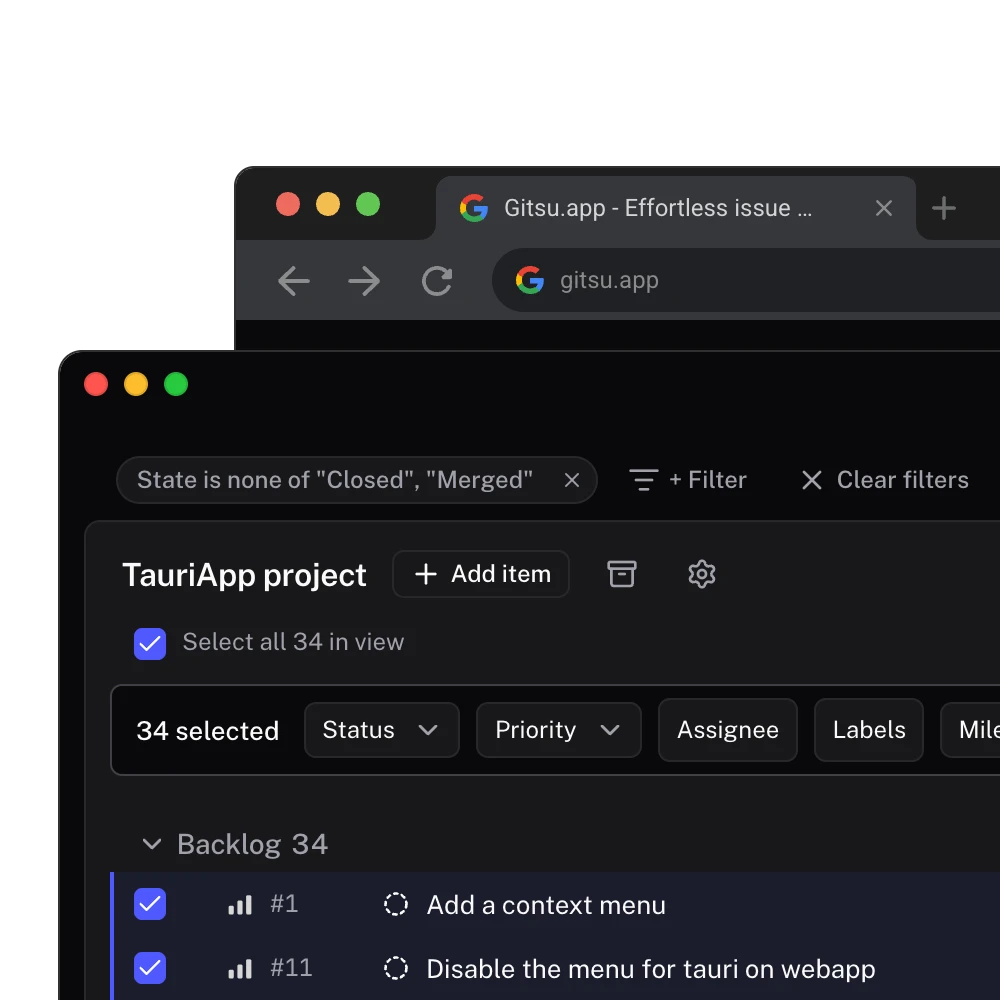
What does Gitsu store, and where?
The short answer is: account data on Gitsu's servers, a short-lived cache on your device, and everything else in GitHub.
| What | Where it lives |
|---|---|
| Issues, comments, labels, milestones, boards and their columns | GitHub |
| Your Gitsu account, linked to your GitHub user id | Gitsu's database |
| Your subscription and its billing state | Stripe, mirrored in Gitsu's database |
| Whether you share product analytics | Gitsu's database |
| A cache of recent GitHub responses | Your device, up to 24 hours, deleted at sign-out |
| Your GitHub token (desktop app) | The macOS keychain |
Importing a board in Gitsu selects it; it does not copy it. Gitsu's own glossary says so: projects "remain owned by GitHub; importing does not create Gitsu-owned copies." The privacy policy states the same from the legal side: Gitsu does not store, copy or have access to your issues, labels, milestones or boards on its servers.
How do edits reach GitHub?
As GitHub API calls made with your own token. The desktop app calls GitHub directly. The Web App sends each request to a Gitsu function, which attaches the token from your signed-in session, forwards the request to GitHub, and passes GitHub's answer back. The function saves nothing; it limits which GitHub endpoints it will call and how often.
Because Gitsu writes as you, an edit made in Gitsu looks on GitHub like an edit you made on github.com. Agents are the exception you can see: comments an agent posts through Gitsu carry a hidden mark naming the agent, described on agent safety. Agent runs themselves write nothing to GitHub.
Why keep GitHub as the system of record?
Because everyone already has it. Pull requests, commits and issues link to each other in GitHub, and moving issues into a separate tracker breaks those links or makes someone maintain a sync. When the issues never leave, there is nothing to sync and nothing to migrate back if you stop.
It also changes how a team can adopt a tool. Gitsu is billed per person, and a subscription covers only that person's Gitsu account. One developer on a four-person team can start using Gitsu, and the other three keep working in GitHub as before: they see the same issues, the same board and every change the Gitsu user made. Gitsu's own planning notes put it as "Nobody else on your team has to change anything."
Where does this approach fall short?
- Gitsu can only do what GitHub's API allows. A field GitHub Projects does not have, Gitsu cannot add. Board structure, permissions and automations are still GitHub's.
- Your board is only as fast as GitHub. Gitsu caches responses and updates the screen before GitHub confirms, but a first load of a large board still waits on GitHub.
- Everyone else still uses github.com. Your teammates get Gitsu's speed only if they use Gitsu too. The work is shared; the interface is not.
A tracker that holds its own copy of the data can offer features GitHub does not, at the cost of moving the team's work into it.
Who is this for?
Teams that already run their work in GitHub Issues and Projects and want a better client without a migration, and individual developers who want that client before the rest of the team decides anything. The free Web App covers the boards; the desktop app adds coding agents. The getting started guide walks through signing in and importing your first board.
Frequently asked questions
Does Gitsu copy my issues to its own servers?
No. The desktop app talks to GitHub directly. The Web App sends its GitHub requests through a Gitsu function that attaches your token and passes the answer back without saving it. Gitsu's database holds your account, subscription and analytics choice.
What does Gitsu keep on my device?
A cache of recent GitHub responses so boards open quickly. It expires after 24 hours and is deleted when you sign out. The desktop app also keeps your GitHub token in the macOS keychain.
Does my team need Gitsu too?
No. Gitsu subscriptions are per person, and the work stays in GitHub. Teammates see every change you make on github.com, and nobody else has to install or pay for anything.
What happens to my boards if I stop using Gitsu?
Nothing. They were never moved. Your issues and projects stay on GitHub as they are, and removing a board from Gitsu only changes which boards Gitsu shows.
Try it on your own boardsGitsu opens your GitHub Projects boards in the browser. Sign in with GitHub; your data stays in GitHub.
Open the Web App