Guides
Step-by-step guides to running issues, boards and planning in GitHub Projects, written from how Gitsu works.
Trello GitHub integration: what the Power-Up syncs
The Trello GitHub Power-Up attaches pull requests, issues and commits to cards but does not sync them. Setup, limits, and when to use GitHub Projects.
GitHub Kanban board: create one in Projects, free
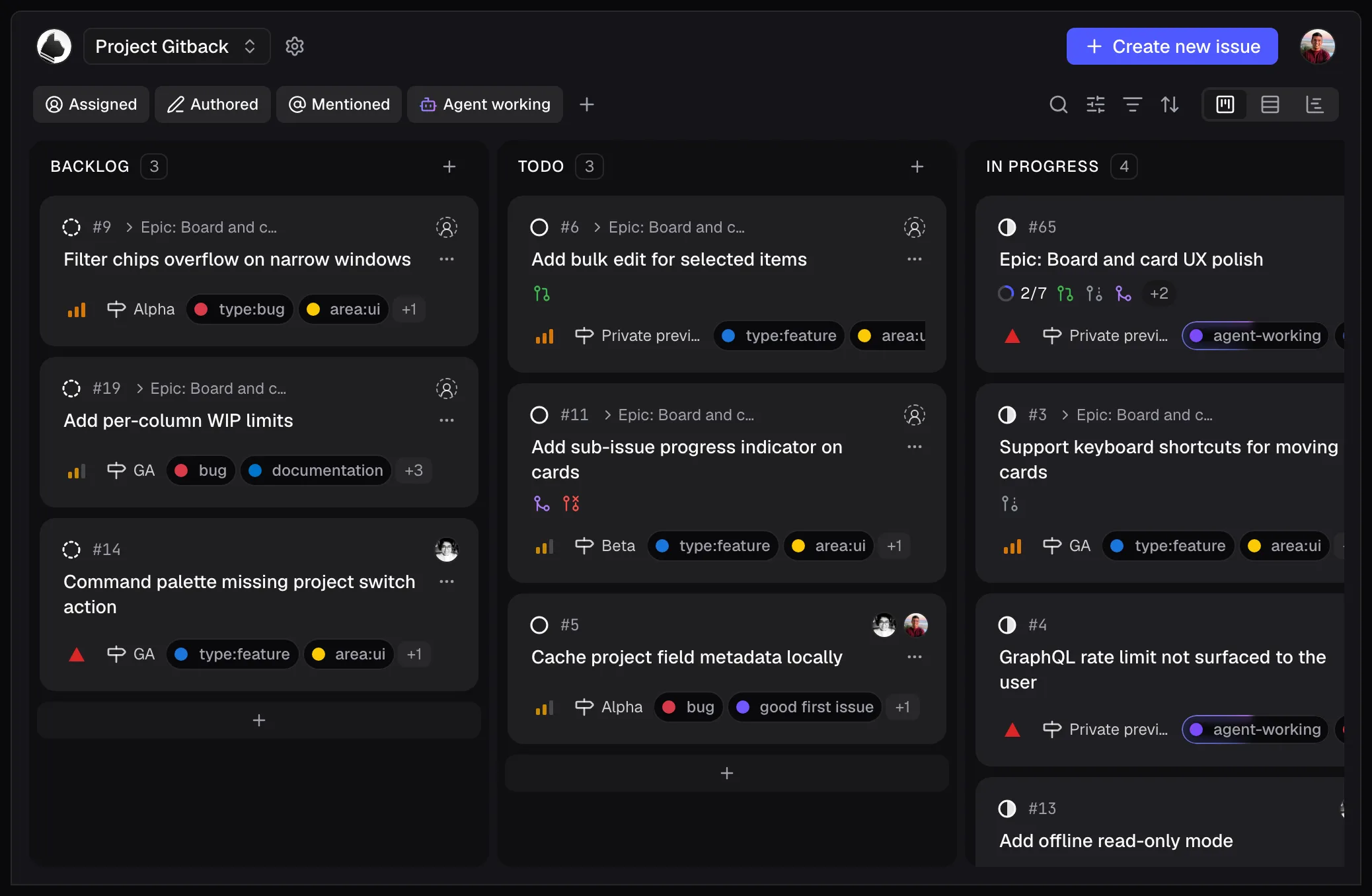
Yes, GitHub has a Kanban board: the Board layout in GitHub Projects, free on the Free plan. How to create one, how columns work, and how to run it in Gitsu.
Set up GitHub Projects for AI coding agents
Build an agent-ready GitHub Projects backlog with useful issue forms, clear status fields, reviewable tasks, and an optional Gitsu connection.
Can you use GitHub Projects offline? No
GitHub Projects needs a connection to edit. Gitsu has no offline mode either: it shows cached boards for up to 24 hours and refuses edits until you reconnect.
GitHub Projects across multiple repos
Put issues from many GitHub repos on one Projects v2 board, filter by repo and bulk edit across them: what GitHub does, and what Gitsu adds.
GitHub Projects vs GitHub Issues
GitHub Issues track one piece of work in a repo. GitHub Projects plan many issues with fields, views and automation. What lives where, with limits.
Is GitHub Projects free for private repos? Yes
Yes: GitHub Projects costs nothing on GitHub Free, private repos included. The 50,000-item limit, who sees private issues on a board, and what paid plans add.
Linear alternative for solo developers on GitHub
Solo on GitHub? Skip the second tracker: a GitHub Projects board needs no sync, has no duplicate issues and no 250-issue cap. Where Linear still wins.
GitHub issues Mac app: what each option manages
GitHub Desktop, Gitify, Trailer, gh and a Safari web app compared for managing GitHub issues on a Mac, and where a GitHub Projects client fits.
GitHub project board automation: workflows & Actions
Automate a GitHub Projects board: the eleven built-in workflows, auto-add and auto-archive filters and limits, and GitHub Actions with gh project item-edit.
GitHub project board templates: the built-in list
GitHub's built-in project templates (Team planning, Kanban, Feature release, Bug tracker) and the views each makes. A copy has views and fields, no items.
Claude GitHub connector: setup and missing repos
How the Claude GitHub connector works, why GitHub or your repos are missing in Claude or Claude Code on the web, and how Claude reaches a Projects board.
GitHub issue triage: set up a reply queue
How to triage GitHub issues: use notifications to find activity, then a project view that records the next reply, its owner and what each issue waits on.
GitHub Issues backlog: set one up and review it
Keep a backlog in GitHub Issues: add each deferred task as an issue, give it a Backlog status in a project, save a Backlog view and review it on a schedule.
GitHub linked:pr search: issues with linked PRs
Search is:issue is:open linked:pr to list GitHub issues with a linked pull request, or -linked:pr for those without. What a link proves, and a faster way.
GitHub Projects bulk edit: cells, status, labels
Bulk edit GitHub Projects in the table: copy a cell, paste across selected cells or drag the fill handle, then Undo. Gitsu adds a labels and assignees toolbar.
Connect Claude Code to GitHub issues: setup and loop
Connect Claude Code to GitHub issues with gh, MCP or the @claude Action, then run a loop: pick, hand over, update board status, review.
GitHub project board examples you can rebuild
Five GitHub Projects board setups (solo, sprint, OSS triage, bug tracker, roadmap) with the fields, views, filters and workflows to rebuild each one.
GitHub Projects + Claude Code: MCP setup guide
How to use Claude Code with GitHub Projects: the gh-only setup and its gaps, GitHub MCP, and Gitsu MCP for issues with priority, agent-working and P0 queries.
GitHub Projects filter syntax: tested examples
GitHub Projects filter qualifiers, OR, NOT and ranges, plus a downloadable board fixture with tested Gitsu queries and expected matches.
GitHub Projects iterations: set up and run sprints
Create a GitHub Projects iteration field, set lengths and breaks, find the current iteration, roll unfinished work over and filter by sprint.
GitHub Projects roadmap view: setup and limits
Switch a view to Roadmap from View > Layout, pick start and target date fields, set zoom and markers. Also what it cannot do: dependencies, multiple projects.
GitHub Projects v2 GraphQL API: a working guide
Read and write GitHub Projects with the v2 GraphQL API: token scopes, project ids, paginated items and field values, field writes, adding items, sub-issues.
GitHub sub-issues: how to add them and the limits
Add a GitHub sub-issue from its parent: up to 100 per parent, eight levels deep. Then pick sub-issue or checklist, track progress in Projects and use the API.
Import Linear issues into GitHub Projects
Import Linear issues into GitHub Projects with statuses, priorities and cycles: the field map, the manual CSV route, and what stays behind on the free tier.
Linear's free plan and its 250-issue limit
What Linear's 250-issue free-plan limit is, what happens when you reach it, and what archiving, paying or moving to GitHub Issues each cost.