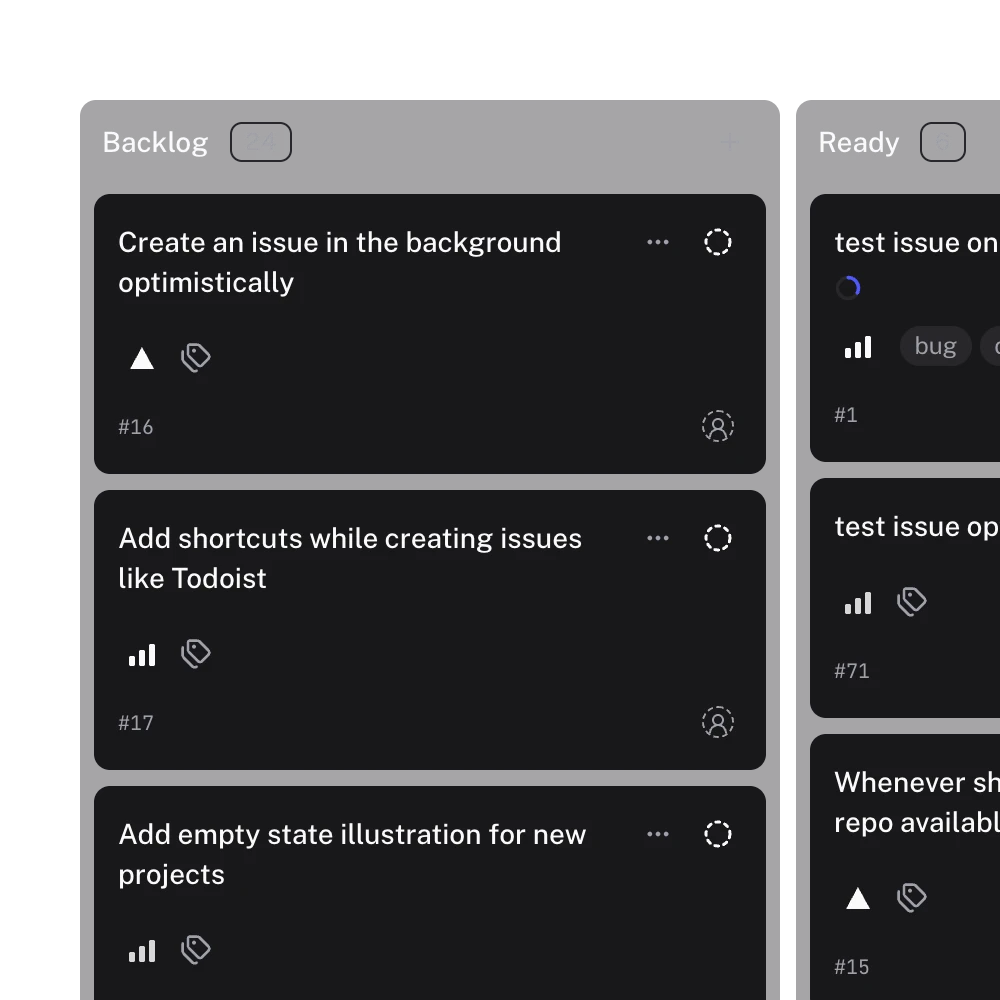
Gitsu for macOS is a desktop app for GitHub Projects v2. It opens the boards you already have on GitHub, edits them through the GitHub API, and adds the parts that need a local machine: an agent panel for coding agents, an MCP server, and the safety checks around agent writes. The desktop app comes with Gitsu Pro. The free plan is the Web App in your browser.
How do I install it?
Open the download page and choose Download for macOS. Open the disk image and drag Gitsu into Applications. Sign in with GitHub: the desktop app shows a device code, which you confirm on GitHub's verification page. Your subscription is tied to your GitHub account, so signing in on a new Mac brings it with you.
The build is signed and notarized by Apple, and the release artifacts are for Macs with Apple silicon. There is no Windows or Linux build; those were removed from the release workflow on purpose.
What does the desktop app have that the Web App does not?
The board and issue editing are the same in both. The desktop app adds what needs a process on your Mac:
- The agent panel. Run Claude Code, Codex, Gemini and 12 more agents beside the board. See agent runs.
- The MCP server.
gitsu-mcpgives any MCP client twelve tools over your board. See the MCP server page. - Agent safety. Agent writes go through the running app, which checks each one against a budget and a list of switched-on agents. See agent safety.
The plan list in the app says the same thing. Free: unlimited projects, boards and views, full keyboard navigation, web access only, no AI access, no desktop app. Pro: the desktop app plus web access, AI features, and MCP for your agents. Pro has no mobile app and no cross-project views.
How do I use it from the keyboard?
Every shortcut lives in one fixed table, and ? opens the sheet that lists them all, grouped by where each one works. There is no screen for changing them: ADR 0007 records that Linear and Plane ship fixed defaults too, and that remapping would cost more than anyone has asked for. Shortcuts are matched to the physical key, so they work the same on other keyboard layouts.
A few that work anywhere in the app:
| Keys | Action |
|---|---|
| ⌘K | Command palette |
| C | Create an issue |
| ⌘2 | Agents mode (desktop only) |
| ⌘, | Settings (desktop only) |
| ⌘⇧L | Toggle the theme |
| ? | Show every shortcut |
⌘, and ⌘2 exist only in the desktop app: browsers keep ⌘, for their own settings, and the agent panel is not in the Web App.
How does it update?
Shortly after launch, the app asks Gitsu's update service for a newer version. The service answers only accounts with an active subscription; others get no update. Before installing, the app checks the download against a signing key built into it, so a download that was not signed by Gitsu is refused. You can also choose Check for updates in Settings, About, which notes that automatic updates require an active subscription.
What does it keep on my Mac?
A cache of recent GitHub responses, so a board opens without waiting on the network. The cache expires after 24 hours and is deleted when you sign out. Your GitHub token sits in the macOS keychain, where the MCP server also reads it. Issues themselves stay in GitHub; data stays in GitHub covers what Gitsu's servers keep.
Who is it for?
People who spend the day in GitHub Projects and want a native window, keyboard control, and a place to run coding agents next to the board. If you only need to see and edit boards, the free Web App is enough, and the getting started guide covers both.
To weigh Gitsu against GitHub's own web UI, including what GitHub does better and the 2,000-item limit, read Gitsu compared with GitHub's Projects UI.
Frequently asked questions
Is there a GitHub Projects desktop app for Mac?
Gitsu for macOS is one. It opens your GitHub Projects v2 boards and edits them through the GitHub API, and it is built for Macs with Apple silicon. It comes with Gitsu Pro; the free plan is the Web App in the browser.
Is the Gitsu desktop app free?
No. The desktop app comes with Gitsu Pro. The free plan is the Web App at dash.gitsu.app: full board and issue editing and unlimited projects, in the browser. The free plan's own list says it excludes the desktop app and AI access.
Is there a Windows or Linux version?
No. Gitsu builds only for macOS. The Windows and Linux builds were removed from the release workflow on purpose, and the release artifacts are for Apple silicon Macs.
How does the app update?
It checks Gitsu's own update service shortly after launch, and you can check by hand from Settings, About. The service answers only accounts with an active subscription, and each update is checked against a signature built into the app before it installs.
Does the desktop app keep my issues on my Mac?
It keeps a cache of recent GitHub responses on your Mac so the board opens quickly, for up to 24 hours, and deletes it when you sign out. Your issues stay in GitHub, and Gitsu's servers do not store them.
Try it on your own boardsGitsu opens your GitHub Projects boards in the browser. Sign in with GitHub; your data stays in GitHub.
Open the Web App