Find GitHub issues with linked pull requests by searching is:issue linked:pr. Add is:open to review unfinished issues, then scope the query to a repository or project so the result matches the work you own.
A linked pull request is useful evidence that an issue has an implementation relationship. Treating that evidence as a completion signal can send a triage session in the wrong direction. This guide explains GitHub's native search first, then Gitsu's project filter and the checks to make before changing an issue.
How do I search GitHub for issues with linked pull requests?
Use is:issue is:open linked:pr in GitHub search to find open issues with a closing-reference PR link.
- Open GitHub's issue search.
- Enter
repo:OWNER/REPO is:issue is:open linked:pr, replacing the repository placeholder. - For project membership, use
project:OWNER/NUMBER is:issue is:open linked:prinstead. - Open an issue and inspect the linked work before assigning a planning status.
GitHub's search reference documents linked:pr for issues and linked:issue for the reverse direction. Use -linked:pr for open issues lacking that closing-reference relationship. These qualifiers belong to issue search; do not assume every issue-search qualifier works in the Projects view filter bar.
Choose the scope before interpreting the count. A repository query answers a repository question; a project query answers a membership question. A team deciding what to review this week should agree which question it means before treating either count as its workload.
What does a linked pull request actually prove?
A closing-reference link proves that GitHub records a relationship between an issue and a pull request; it does not prove the issue is ready to close.
GitHub's linking documentation explains closing keywords and manual linking. Keyword behavior depends on the pull request targeting the default branch. Check the relationship GitHub actually records rather than treating any pasted issue URL as an equivalent signal.
For a hypothetical release bug, a PR named "Investigate sign-in failure" may be useful context without completing the acceptance criteria. A fix may cover only one affected environment. A closed PR may have been abandoned. These are review scenarios, not claims about a particular repository. They explain why a relationship filter should produce a reading queue rather than an automatic status change.
Write down the decision you need from the queue. "Find work worth reviewing" is a better starting point than "close every issue with a PR." The first asks a maintainer to inspect the evidence. The second assumes an outcome the link alone does not establish.
How does Gitsu filter issues with linked PRs?
Gitsu's Has linked PRs toggle selects loaded project items whose linked-pull-request field is not empty.
- Open the GitHub Project in Gitsu and check the loading notice.
- Open Filter, then Relationships.
- Choose Has linked PRs.
- Inspect a known linked issue and compare its relationship with GitHub before using the queue for a release decision.
The menu test applies an is-not-empty condition to Gitsu's linked-pull-request field. The item loader fills that field from GitHub's closedByPullRequestsReferences connection and requests closed PRs too. Those details matter: the toggle tests relationship presence, rather than asking whether the PR is still open or has passed review.
You can keep project context around that queue. For example, review the known linked work for your release, read the acceptance criteria, and update the issue only after the team has reached its decision. The filter syntax guide covers Gitsu's nested filters and the grammar differences from GitHub Projects.
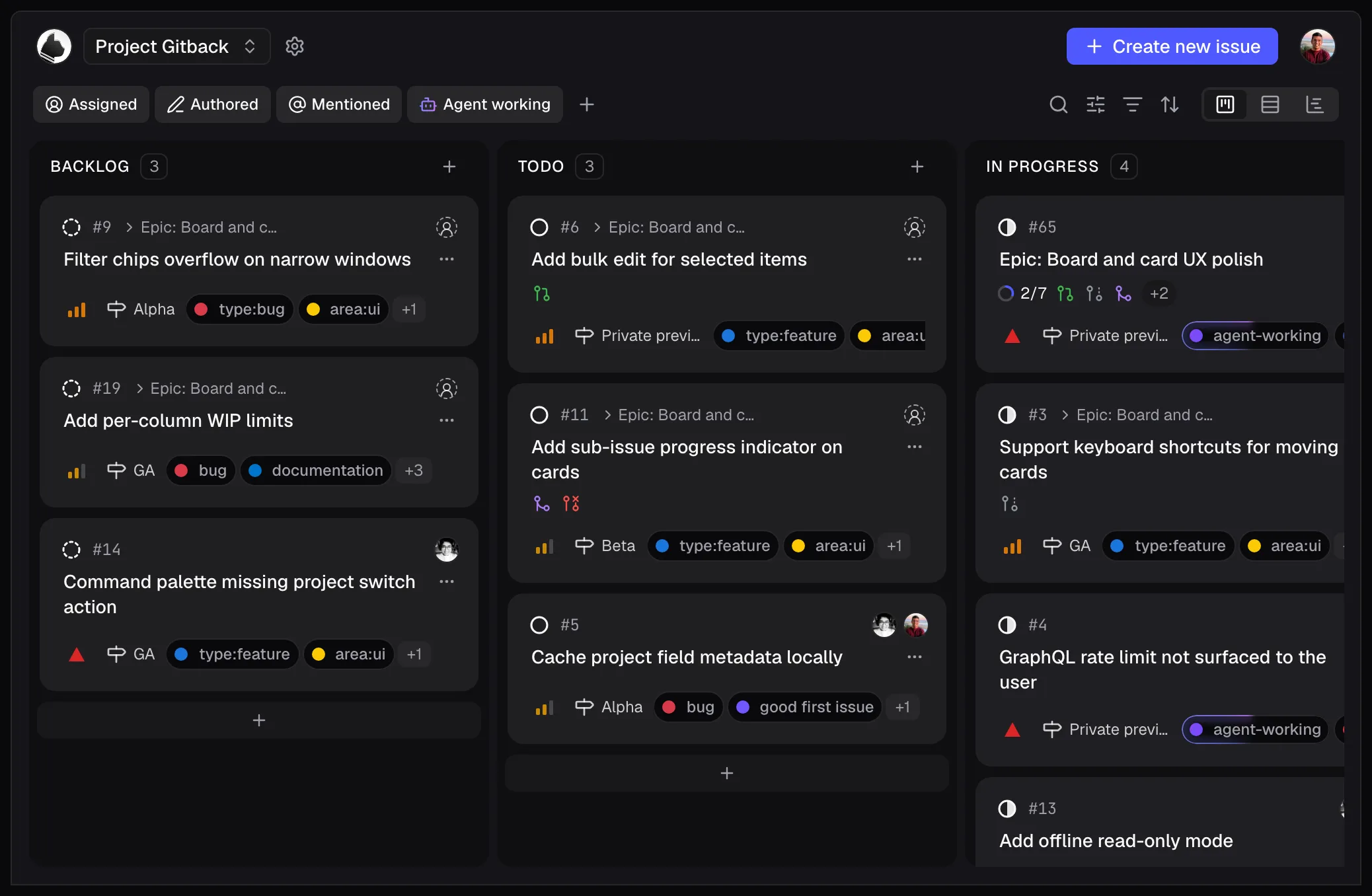
This existing product image shows Gitsu's board and relationship icons. It does not show the Has linked PRs menu or certify the steps on a live project. The menu behavior and field mapping above are checked against source and the existing menu test.
How should I turn linked issues into a useful review queue?
Give each linked issue an explicit review question before changing any field.
A practical session can follow this order:
- Pick the repository or project boundary and a review goal, such as release readiness.
- Read the issue's acceptance criteria and the linked PR's scope.
- Decide whether the issue needs review, further implementation or a clarification.
- Record that decision in the issue or its project fields using the team's normal workflow.
- Revisit ambiguous items with the responsible maintainer instead of assigning a completion state from the link alone.
Keep a short explanation when the decision would otherwise look surprising. An issue can remain open after substantial work because its acceptance criteria are broader than the submitted fix. Another issue may need a corrected relationship before the queue can find it. A queue helps identify what to inspect; the issue discussion should preserve why you made the decision.
If your team uses different words for implementation and review, agree on those meanings before a batch of changes. A status named "Ready" could mean ready to start or ready to ship. The filter cannot repair that ambiguity. The payoff is a repeatable review habit with a clear boundary and evidence behind each decision.
What are the limits of Gitsu's linked-PR queue?
Gitsu filters one selected project's loaded data, so this queue is incomplete if the project exceeds its loading cap.
The current capability check records one active project and up to 2,000 loaded items per project. Check the loading notice before concluding that no linked issues remain. An item outside the selected project or outside the loaded data cannot be discovered by this local filter.
Use GitHub's own search for a wider repository or organization question, and GitHub's PR interface for review. The relationship toggle described here does not promise a notification inbox, missed-response detector or automatic PR-driven status update. It supplies a field-presence test inside your project workflow.
How do I start a linked-issue review in Gitsu?
Open your project in Gitsu, choose Filter → Relationships → Has linked PRs, and inspect the resulting issues before changing status to keep the review inside the board you already use.
Start with a small set whose GitHub relationships you know, then compare the result with your native search. Gitsu's web board is free; paid Seats add the macOS app, agents and MCP. The getting-started guide connects the project, and pricing explains those additional features.
How we checked
A source check of Gitsu's Has linked PRs menu test and issue-field mapping: the toggle tests relationship presence, and the loader requests closing-reference PRs including closed PRs. The review method separates that signal from completion.
Frequently asked questions
How do I find GitHub issues with linked pull requests?
Use is:issue linked:pr in GitHub issue search. Add is:open and a repo: or project: qualifier for a specific queue. GitHub documents linked:pr as a closing-reference relationship.
How do I find issues without a linked pull request?
Use is:issue is:open -linked:pr in GitHub search. A missing closing reference does not establish that nobody has started work; inspect the issue before assigning it.
Does a linked pull request mean the issue is done?
No. A link establishes a relationship, not completion. Gitsu loads closing-reference links including closed PRs, and its Has linked PRs filter checks whether the relationship field has a value.
Can Gitsu show linked PRs across all my repositories?
The workflow here filters the selected project's loaded items. Gitsu shows one project at a time and loads up to 2,000 items per project. It is not an account-wide pull request review inbox.
Do I need a paid Gitsu plan for this filter?
The Gitsu web board is free. Paid Seats add the macOS app, agents and MCP. This guide uses the board filter and does not require an agent.
Try it on your own boardsGitsu opens your GitHub Projects boards in the browser. Sign in with GitHub and work on the same issues your team already uses.
Open the web app