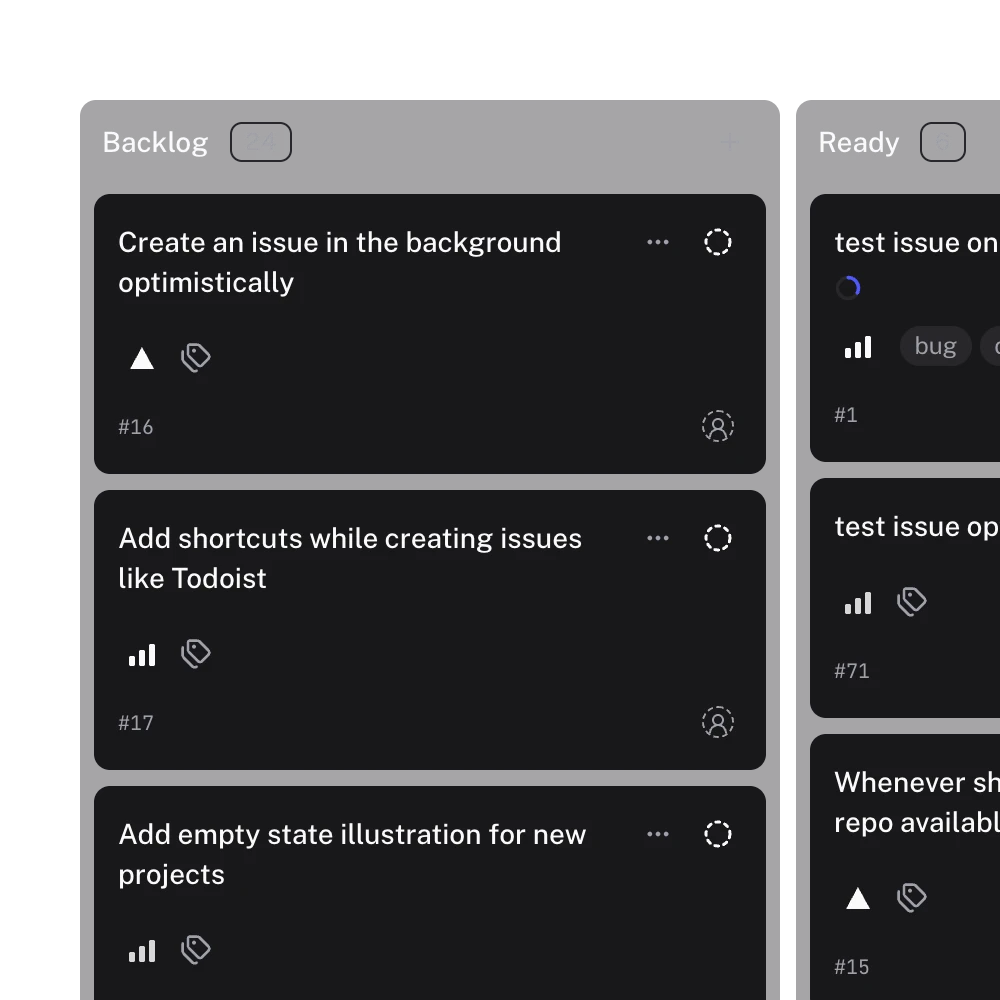
The agent panel in the Gitsu desktop app runs a coding agent, such as Claude Code, next to your GitHub Projects board. You pick an agent, point it at a local clone of the repository, and talk to it in a tab while the board stays on screen. The board is Gitsu's kanban view of your GitHub project, and the agent moves a card the way you would, by changing a field value with set_field_value. The agent panel is part of Gitsu Pro and exists only in the desktop app for macOS.
How do I run Claude Code next to the board?
- Install Claude Code (or another supported agent) on your Mac.
- In Gitsu, open Settings, MCP server, and switch Claude Code on so it can read and update the board. The MCP server page lists what it can do.
- Press ⌘2 to open Agents mode, the panel on the right of the board.
- Start a run with Claude Code and choose the local folder that holds the repository. Gitsu reads the repository and branch from the folder's git remote.
- Type what you want, naming the issue: "Fix #214 and move it to Done when the tests pass." Send it.
The agent can now call list_items to read the issue, start_work to show on the board that it is working, set_field_value to move the card, add_comment to report back, and finish_work when it stops. Each write goes through the rules on agent safety. For the whole loop from picking an issue to reviewing the pull request, with plain GitHub tools or with Gitsu, read a Claude Code workflow for GitHub issues.
What is a run?
A run is one conversation with one coding agent, shown as a tab in the panel. It is not owned by an issue: a run can mention several issues, and one issue can come up in several runs. A run with no issue at all is fine.
Each run shows its state beside its tab: starting, ready, working, awaiting permission, exited, interrupted or unreviewed. When the agent process stops, the run is disconnected rather than finished. Its history stays on disk, and Resume in the Recent list or Run history carries on the conversation.
When does the agent start?
When you send the first message. Opening a tab and choosing an agent starts nothing; the first Send launches the agent process and connects it. You can set up a run, read it over, and close it without any agent having run.
Where does the agent work?
In one local folder. The panel says it plainly: "Agents run in a local clone of the repository." If Gitsu finds a clone that matches the board's repository it suggests it; otherwise you choose one. If the folder's git remote is a different repository from the board's, Gitsu warns you before using it.
If you start a run with no folder, the agent works in a scratch folder Gitsu creates for that conversation, and reopening the run returns it to the same folder. With no git remote there, the MCP server cannot find a board from the folder, so Gitsu includes the open board's id in the run's first message and the agent passes it along.
What does a run write to GitHub?
Nothing by itself. Gitsu keeps a run's state on your Mac and writes no label, no field and no comment about it. The reasons are in ADR 0009: a run exists on one machine and ends when the laptop closes, while a label is visible to the whole organisation and nothing could reliably clean it up after a crash.
The agent can still change issues, but only by calling the Gitsu MCP server's write tools, the same way it would from a terminal. The one label it can add is agent-working, through start_work, and Gitsu removes it if the agent process dies.
What does it not do yet?
- No button starts a run from an issue. An earlier panel attached issues to a run as chips and held the prompt until you confirmed. That panel was replaced by a rebuilt one (ADR 0015), and the chips did not come across. Name the issue in the prompt instead.
- No web version. Agents run as processes on your Mac, so the Web App has no agent panel.
- No second repository per run. A run binds to one folder when it starts. An issue from another repository is context for the agent, not a second checkout.
Who is it for?
Developers who already use Claude Code, Codex or Gemini in a terminal and track the work on a GitHub Projects board. The panel keeps the conversation and the board in one window, and the board stays the record: what the agent changes shows up on GitHub like any other edit, so teammates who never open Gitsu still see it.
Frequently asked questions
Which coding agents can I run in Gitsu?
The panel lists Claude Code, Codex, Gemini and 12 more agents. The ones installed on your Mac can be started in one click; the rest appear as available to install.
Does starting a run change anything on GitHub?
No. A run is kept on your Mac. Gitsu writes no label, field or comment for it. The agent can change issues only through the Gitsu MCP server, and only if you switched that agent on in Settings.
What happens to a run when the agent process stops?
The run is disconnected, not ended. Its history stays on disk, and you can reopen it from Run history or the Recent list and carry on the conversation.
Can I start a run from an issue?
Not with a button. An earlier version attached issues to a run as chips; that code was replaced when the agent panel was rebuilt. Today you name the issue in your prompt, and the agent looks it up with the Gitsu MCP server.
Where does the agent run if I do not choose a folder?
In a scratch folder Gitsu creates for that conversation. It cannot see your code there, so Gitsu passes the open board's id in the first message so the agent can still find the right board.
Try it on your own boardsGitsu opens your GitHub Projects boards in the browser. Sign in with GitHub; your data stays in GitHub.
Open the Web App